Know who’s around.
Check online players, send a message, change game modes, and reach the moderation tools you need.
 Block Steward
Keep an eye on your players and a hand on your world. A native iPhone and iPad companion for Minecraft Java server administration.
Coming soon to the App Store. For iOS & iPadOS 18+
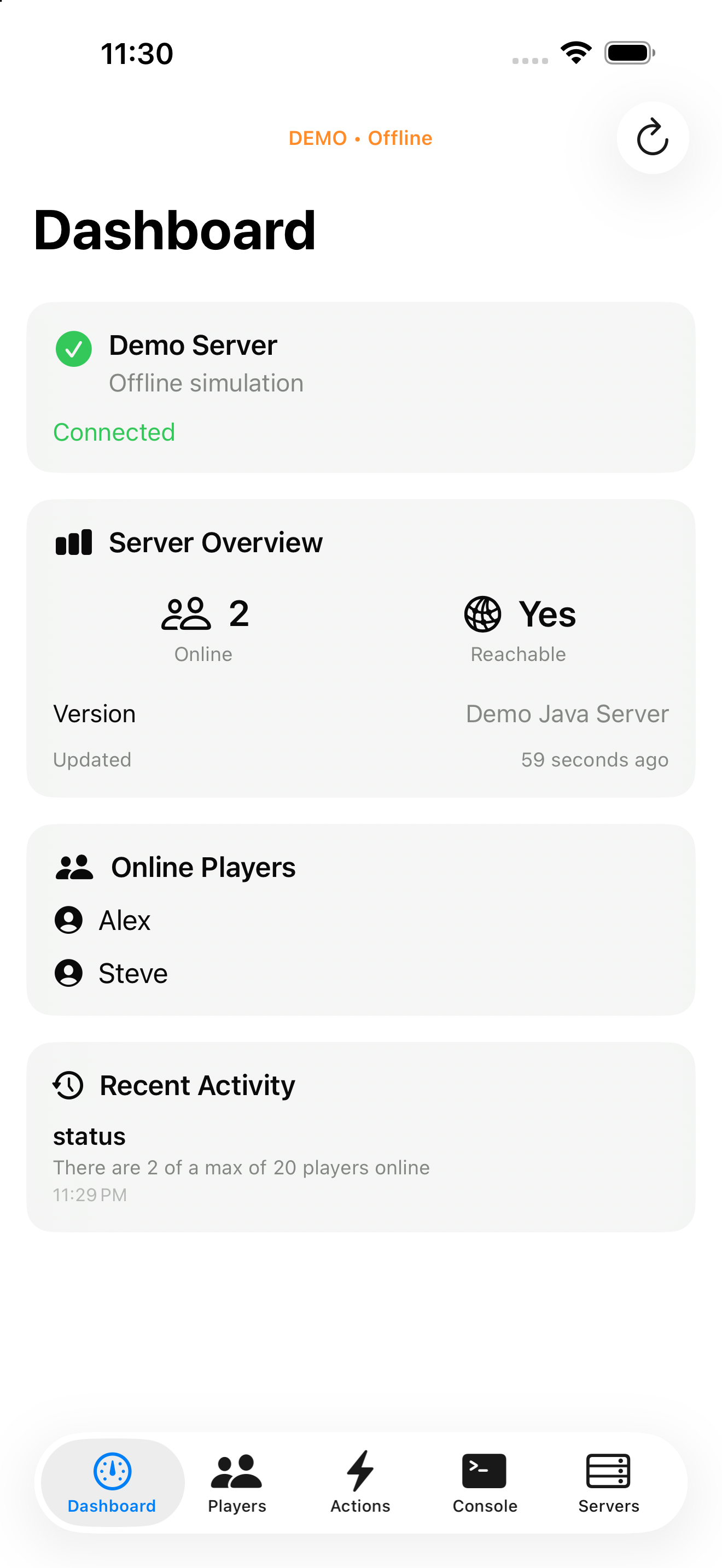
Check online players, send a message, change game modes, and reach the moderation tools you need.
Change the time and weather, adjust difficulty, manage your whitelist, give items, and save your world.
Send RCON commands, read server responses, and recall recent commands when you need more control.
For Minecraft Java dedicated servers you administer. RCON must be enabled. Realms and Bedrock aren’t supported.
Read the setup guide →